A safer PC. Without headaches.
Secblitz checks your Windows security settings, explains what needs attention and fixes only what you choose. Original settings are recorded for review and undo.
How it works
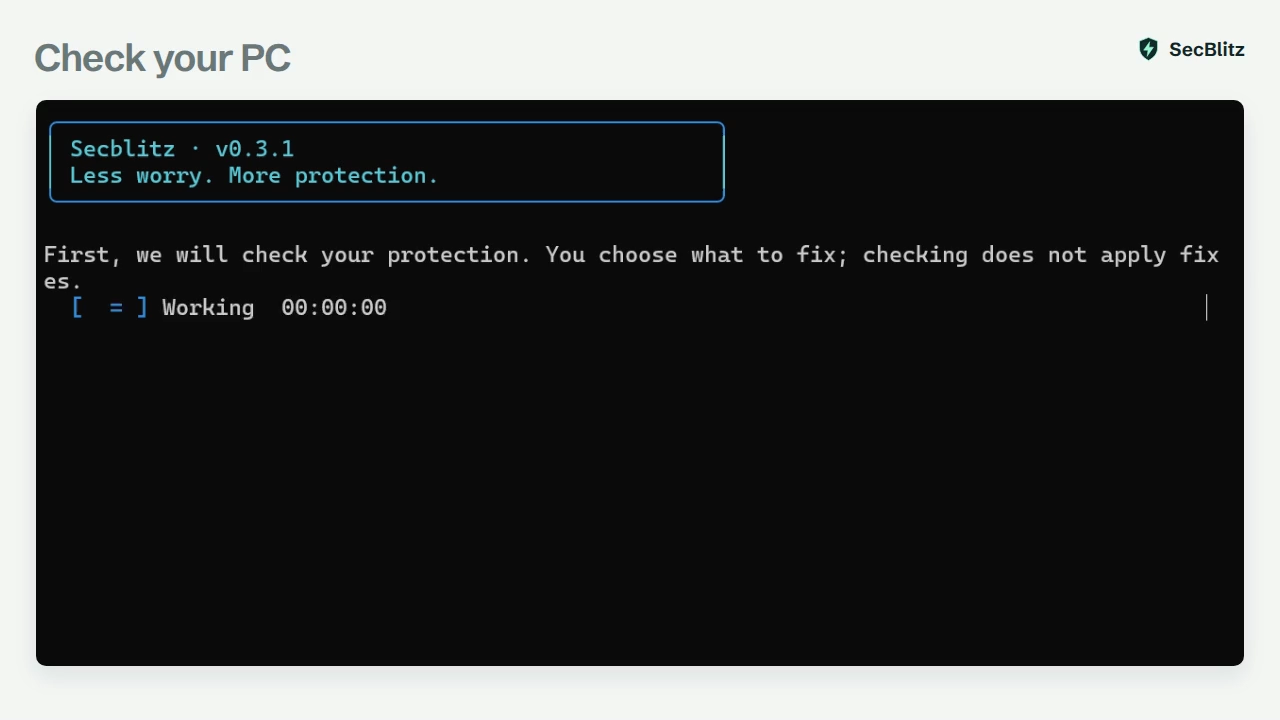
- 1ScanRead what needs attention. Checking never applies fixes.
- 2ChooseUse arrow keys to move, Space to select and Enter to continue.
- 3FixConfirm the exact list. No is always the default.
- 4UndoRestore the saved settings from your last fixes.
What it checks
18 settings Secblitz can fix for you and 19 more it explains. It keeps your firewall rules, Defender exclusions and passwords exactly as they are.
-
Microsoft Defender
Real-time protection, behavior monitoring, and scanning of downloads and archives.
-
Firewall
Home, work and public networks switched on, with unwanted incoming connections blocked.
-
Administrator prompts
Brings back the Windows prompt that asks before an app gets full control.
-
Sign-in protection
Stops blank-password sign-ins over the network, anonymous account listing and plain-text credential storage.
-
Installer and service access
Closes the “always install with admin rights” loophole and risky access to Windows Update services.
-
Advice where you decide
Drive encryption, Secure Boot, updates, Remote Desktop, SMB1 and memory integrity, with the Windows page to open next.
Extra tools, when you ask
Nothing here runs on its own. Each tool waits for you to pick it from the menu.
- Update Defender
- Request the latest protection updates from Microsoft.
- Quick virus scan
- Start a Microsoft Defender quick scan, then read the results in Windows Security.
- Background monitor
- Starts with Windows and keeps status reports on your PC. It never changes settings.
- Password generator
- Creates a strong password on screen. It isn't saved anywhere.
- Bitwarden
- Installs the free password manager after you approve it.
Questions
Why does Windows warn me when I open the installer?
The installer isn't publisher-signed yet, so Windows may show an unknown publisher or “Windows protected your PC”. Compare its SHA-256 checksum below the download button. To continue through SmartScreen, select More info, then Run anyway. Signed update metadata does not remove this publisher warning.
What can't Undo reverse?
Undo attempts to restore the settings Secblitz recorded. It doesn't reverse Windows updates, virus scans, software you installed or changes made in Windows Settings. Detected conflicts are skipped for you to review. Changes made at the same time by another app or administrator may not be detected.
Does anything leave my PC?
Checks, change history and monitor reports stay on your PC. Secblitz has no telemetry. When automatic updates are enabled, it connects to the release server to check for releases and download updates. Defender updates and the Bitwarden install connect to the internet when you request them. This website has no trackers or cookies.
Does Secblitz update itself?
Yes. Automatic updates are selected by default in the installer. When enabled, Secblitz checks every hour for updates and verifies Ed25519-signed release metadata before installing. It won't force the app to close or restart your PC. You can turn automatic updates off during setup.
Already installed 0.4.0?
Download this installer once to fix automatic updates.
Will it change my passwords?
Never. Secblitz doesn't read, save or change account passwords. The password generator only shows a new one for you to use.
Can I use it on a work or school PC?
Secblitz detects managed PCs and won't override your organization's policies. Settings it can't change come with a note to ask your administrator.
Does it work on Windows 10?
It's built for Windows 10 and 11 (64-bit), but only Windows 11 has been tested so far. Microsoft's general Windows 10 support ended on October 14, 2025.

Start with a check.
Nothing changes until you choose.
Download Secblitz 0.4.228c93869508923b2ea865267025dc6c0d9e92e5d343e5a78f175d32e5b1b83c4